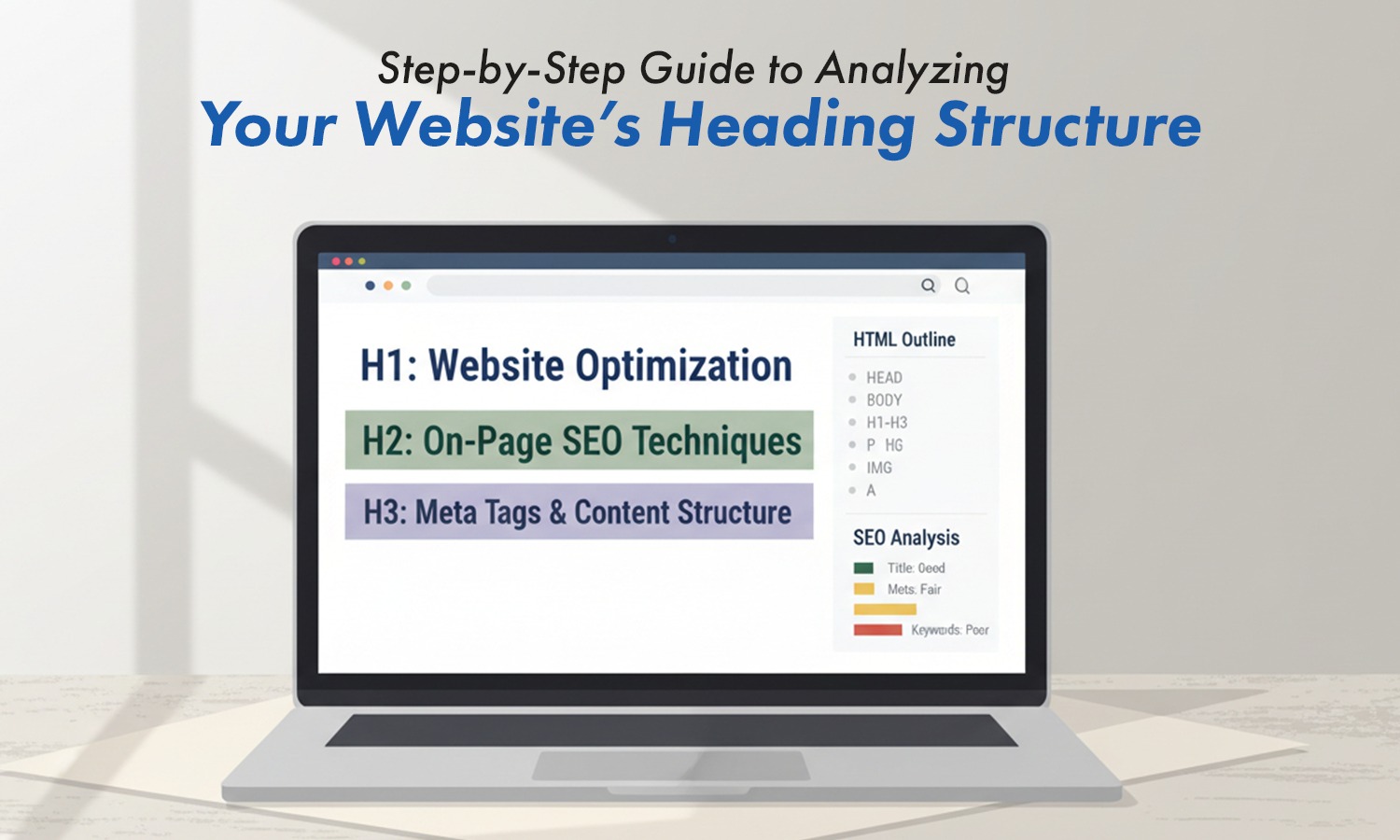

If you want search engines to understand your content clearly, you must learn how to Check Heading Tags. Headings shape your page, help users scan your content, and guide search engines through your topic. But the good news is, you do not need coding skills to check them.
In this guide, you will learn simple, beginner-friendly ways to view all your heading tags and understand how they affect your SEO.
Why Checking Heading Tags Matters for SEO
Heading tags help search engines understand the meaning. When your headings are clear, your content becomes easier to read and easier to rank. A strong structure supports seo headings best practice, which improves both visibility and user experience.
Checking your headings also helps you:
- Find missing headings
- Fix multiple H1s
- Improve clarity
- Make content easier to follow
This supports your overall heading in seo setup.
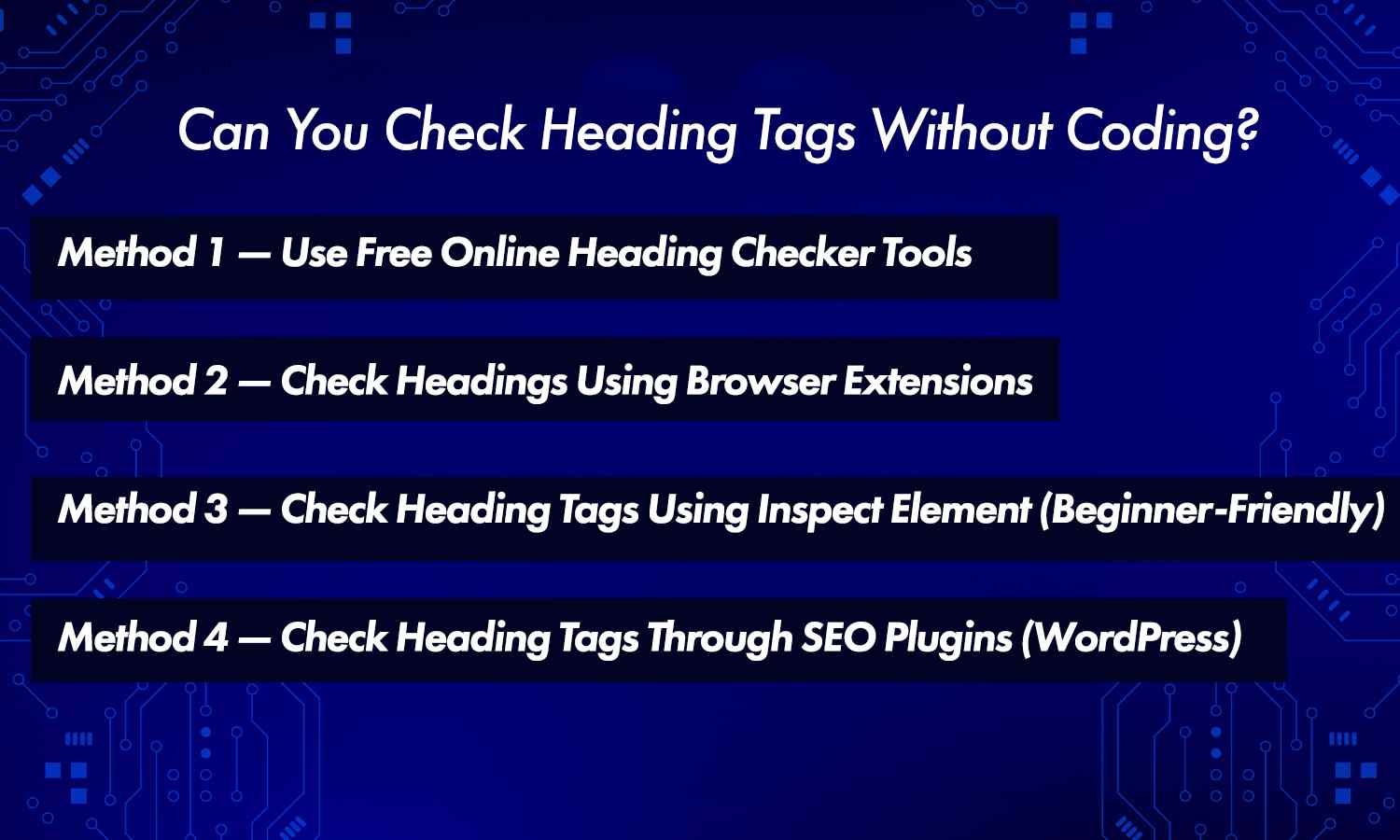
Can You Check Heading Tags Without Coding?
Yes. You can see every heading on a page using simple tools, browser extensions, or plugins. You can even use your browser’s built-in “Inspect” option without touching code. These methods let you scan your seo H1, H2, and H3 easily.
Anyone, beginner or expert, can check heading structure in just a few seconds.
Method 1 — Use Free Online Heading Checker Tools
Many free tools list all headings from H1 to H6 in one place. These work like an H1 H2 checker, showing your heading order clearly.
You can also use an HTML heading checker to scan any page and see the structure instantly. Some tools even help with heading tag optimization, showing where your headings need improvement.
This is the quickest method for beginners.
Method 2 — Check Headings Using Browser Extensions
Browser extensions let you check headings with one click. These extensions highlight your h1 headers, H2s, H3s, and other levels visually so you can see the layout easily.
This helps you avoid mistakes like:
- Skipped levels
- Overuse of certain tags
- Missing headings
Extensions make reviewing seo headers simple and fast.
Method 3 — Check Heading Tags Using Inspect Element (Beginner-Friendly)
You can check your headings manually using your browser:
- Right-click on the page
- Click “Inspect”
- Search for <h1>, <h2>, <h3>
This shows your heading order directly. It’s a helpful method for beginners learning how H tags in seo work.
You can also compare your structure with an H1 H2, h3 tags seo example to see if it matches best practices.
Method 4 — Check Heading Tags Through SEO Plugins (WordPress)
If you use WordPress, many plugins show heading structure inside your editor. They highlight H1, H2, H3 and warn you about missing or duplicate tags.
Plugins help you:
- Fix a broken structure
- Check your H1 heading seo
- Improve readability
- Follow consistent seo head rules
This is useful for bloggers, businesses, and beginners.
What a Good Heading Structure Looks Like
A clean heading structure looks simple:
- H1 = Main topic
- H2 = Main sections
- H3 = Detailed points
This forms your base heading hierarchy seo.
A good structure also keeps your header tag in seo clean and easy for search engines to understand.
Tools like SEO Dada can show your full heading setup instantly, making it easy to fix problems before publishing.
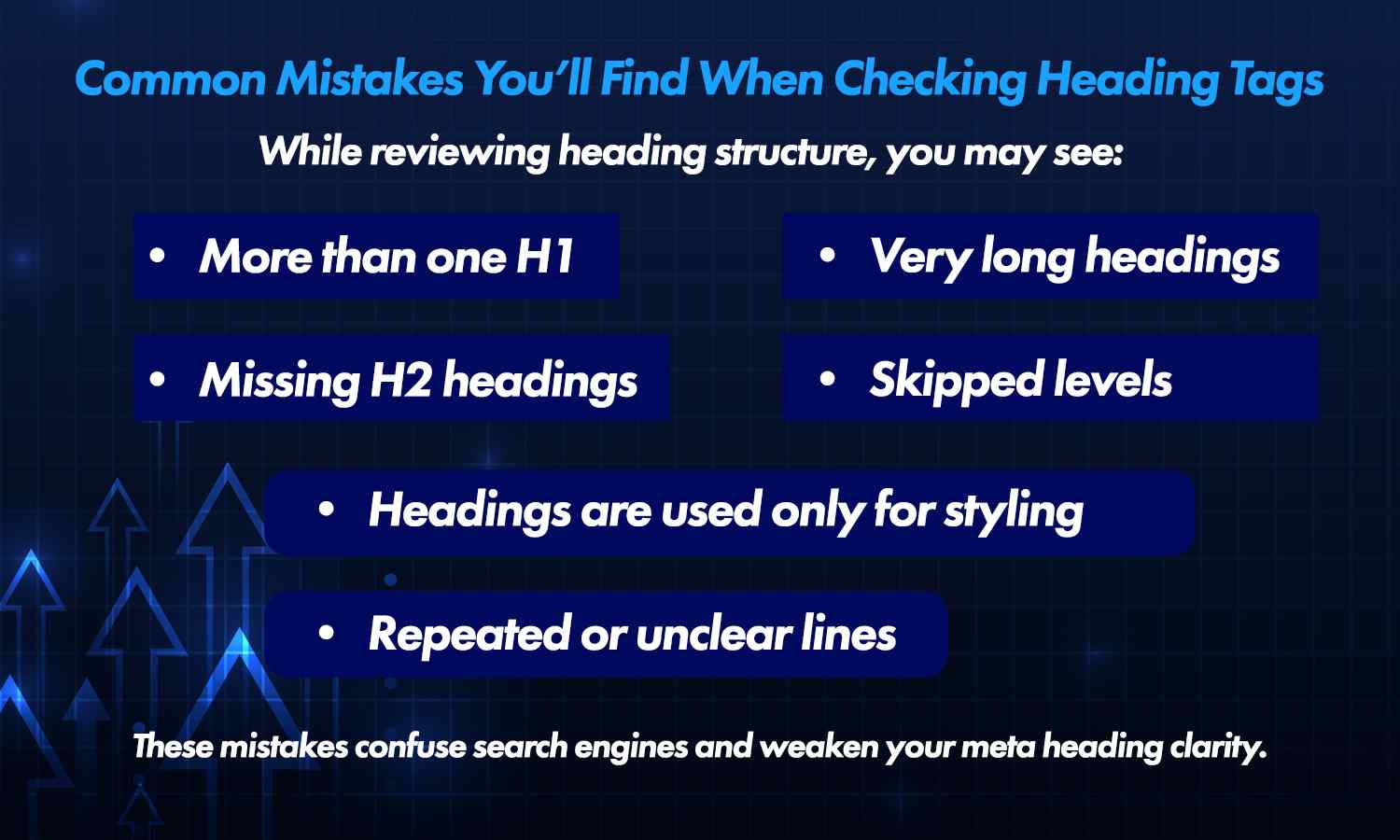
Common Mistakes You’ll Find When Checking Heading Tags
While reviewing heading structure, you may see:
- More than one H1
- Missing H2 headings
- Very long headings
- Skipped levels
- Headings are used only for styling
- Repeated or unclear lines
These mistakes confuse search engines and weaken your meta heading clarity.
Final Tips for Using Headings for SEO
To follow heading tags seo best practices:
- Keep one H1 per page
- Use simple wording
- Match headings with your content
- Add keywords only when natural
- Avoid long or crowded lines
This supports stronger seo and H1 tags across your site.
Conclusion
Learning how to Check Heading Tags helps your content stay clear, organised, and easy for search engines to read. You don’t need coding skills—simple tools and extensions can show your full structure in seconds. If you want a quick way to see your headings clearly, SEO Dada helps you check your heading tags in seo layout in real time.
A clean structure improves both readability and ranking.
Key Takeaways
- Check Heading Tags to keep your structure clear.
- Use simple tools and browser extensions.
- Keep one H1 and proper H2–H3 flow.
- Avoid common heading mistakes.
A strong heading structure improves visibility and clicks.